A website is often the first place where customers interact with a business online. From educational institutes and online stores to startups and service companies, almost every organisation needs a website that looks professional, works smoothly, and provides a good user experience.
This growing demand has made web design an attractive skill for students and beginners who want to enter the digital and IT industry.
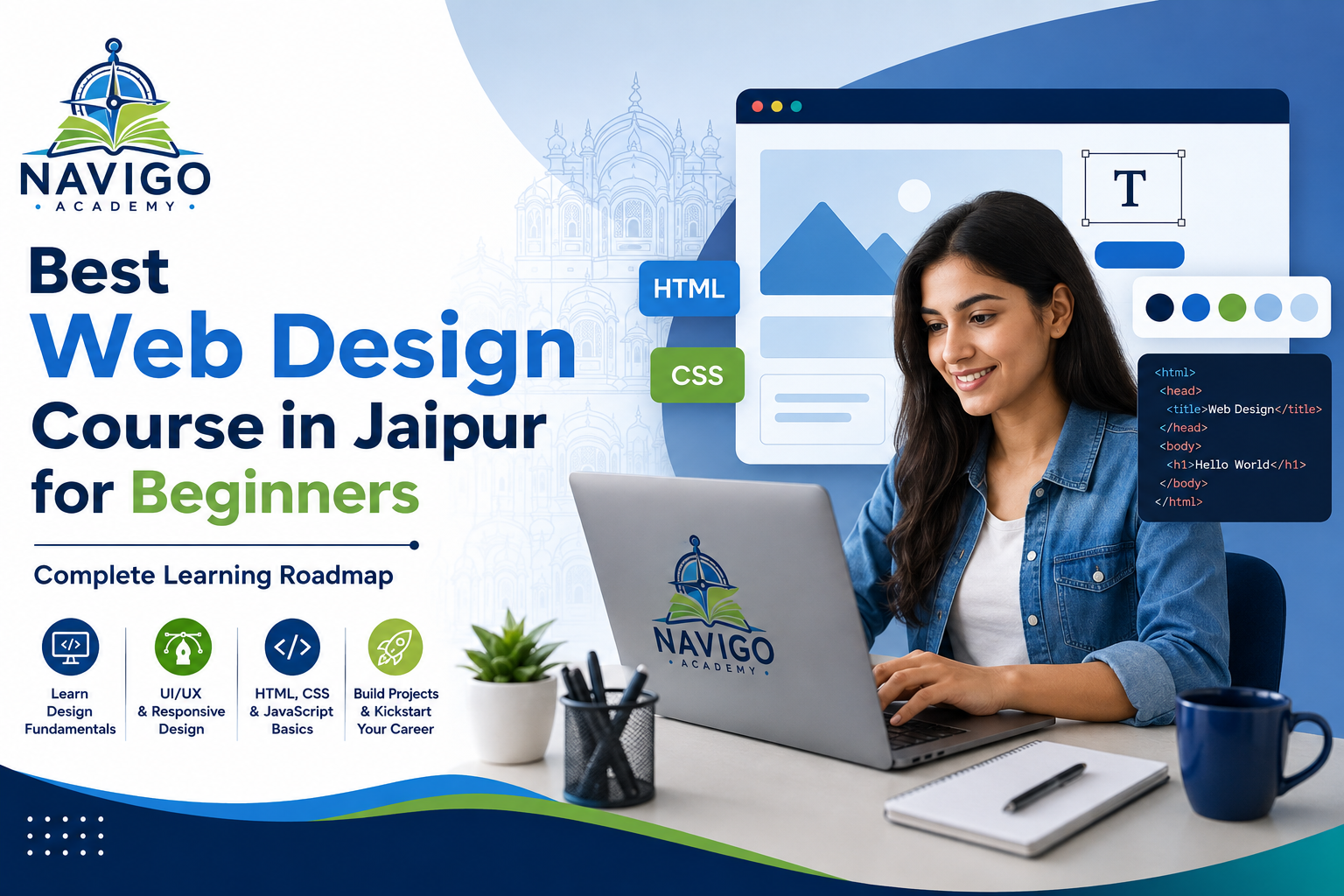
Joining a web design course in Jaipur can help beginners learn how websites are planned, designed, and built through practical training. Students can develop skills in HTML, CSS, JavaScript, responsive design, UI/UX fundamentals, and popular design tools.
This guide explains the complete web design learning roadmap, important skills, course syllabus, career opportunities, and factors you should consider before choosing a course.
What Is Web Design?
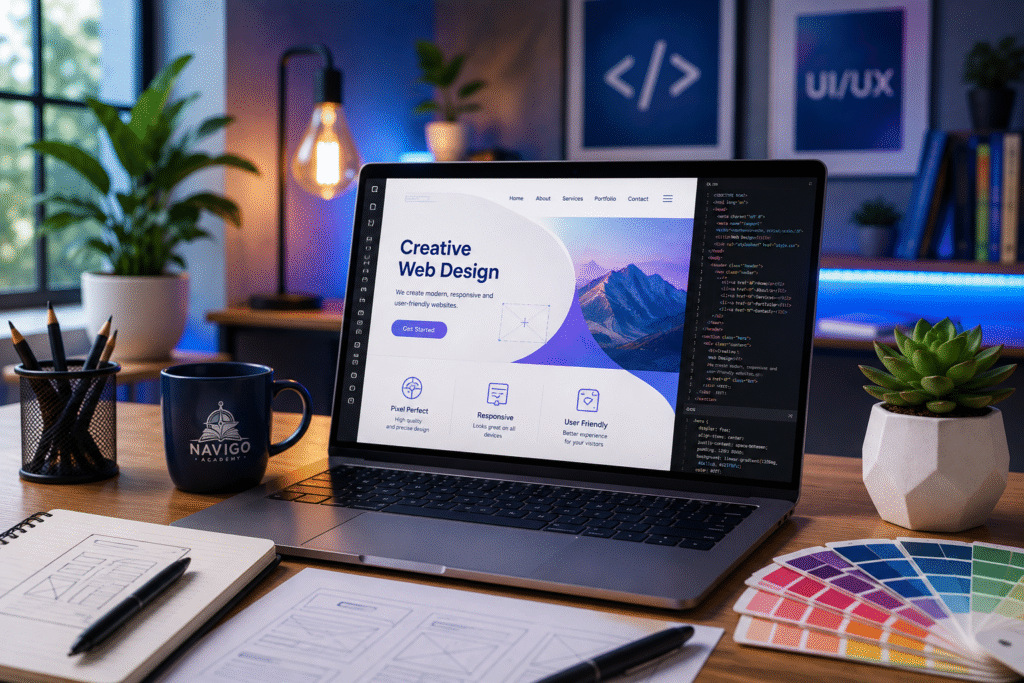
Web design is the process of planning and creating the visual appearance and user-facing structure of a website.
It includes elements such as:
- Website layouts
- Navigation menus
- Typography
- Images and graphics
- Buttons and forms
- Colours and visual hierarchy
- Mobile responsiveness
- User interface design
- User experience fundamentals
A web designer focuses on making websites attractive, organized, easy to navigate, and suitable for different screen sizes.
Modern web designers often need both creative and technical skills. Understanding design principles is important, but knowing technologies such as HTML, CSS, and basic JavaScript can make you more capable and job-ready.
Why Learn Web Design in 2026?
Businesses are continuously improving their online presence. Websites are used for marketing, sales, communication, customer support, education, bookings, portfolios, and many other purposes.
As a result, organizations need people who can create modern and user-friendly digital experiences.
Learning web design can help you explore opportunities in areas such as:
- Website design
- UI design
- Front-end development
- WordPress website creation
- E-commerce website design
- Landing page design
- Freelancing
It can also be useful if you eventually want to learn full-stack development, digital marketing, or product design.
Who Can Join a Web Design Course?
One advantage of web design is that beginners can start without advanced programming knowledge.
A web design course in Jaipur may be suitable for:
- 12th-pass students
- College students
- Graduates
- Beginners interested in IT
- Creative students
- Freelancers
- Entrepreneurs
- Working professionals looking to learn digital skills
Students from different educational backgrounds can learn web design. Basic computer knowledge and a willingness to practise regularly are usually more important than having previous coding experience.
Complete Web Design Learning Roadmap for Beginners
Learning web design becomes easier when you follow the right sequence. Instead of trying to learn every technology at once, beginners should build their knowledge step by step.
Step 1: Understand How Websites Work
Before designing websites, understand basic concepts such as websites, webpages, browsers, domains, hosting, and servers.
You should also understand the difference between front-end and back-end development.
This creates a strong foundation for the technical topics you will study later.
Step 2: Learn HTML
HTML stands for HyperText Markup Language. It provides the basic structure of a webpage.
Beginners should learn concepts such as:
- HTML tags
- Headings and paragraphs
- Lists
- Links
- Images
- Tables
- Forms
- Semantic HTML
After learning HTML, you should be able to create the basic structure of a webpage independently.
Step 3: Master CSS
CSS stands for Cascading Style Sheets. It controls how HTML elements appear on a webpage.
Important CSS topics include:
- Colours and backgrounds
- Fonts
- Borders
- Margins and padding
- CSS selectors
- Box model
- Flexbox
- CSS Grid
- Positioning
- Transitions and basic animations
CSS is particularly important for web designers because it turns a basic webpage structure into an attractive interface.
Step 4: Learn Responsive Web Design
People access websites using smartphones, tablets, laptops, and desktop computers. A website therefore needs to work properly across different screen sizes.
Responsive web design includes concepts such as:
- Flexible layouts
- Media queries
- Responsive images
- Mobile-friendly navigation
- Breakpoints
- Mobile-first design
Building responsive websites should be an essential part of practical web design training.
Step 5: Learn JavaScript Fundamentals
JavaScript makes websites interactive.
Beginners do not necessarily need advanced JavaScript immediately, but understanding the fundamentals can help you create more dynamic web experiences.
Important concepts include:
- Variables
- Data types
- Functions
- Conditions
- Loops
- Events
- DOM manipulation
- Form validation
Once you understand these concepts, you can start adding interactive features to your projects.
Step 6: Understand UI and UX Fundamentals
Good web design is not only about attractive colours and graphics. A website should also be easy for visitors to understand and use.
UI refers to user interface, while UX refers to user experience.
Students should learn:
- Visual hierarchy
- Typography
- Colour combinations
- White space
- Navigation
- Layout consistency
- User-friendly interfaces
- Accessibility basics
- Wireframes and prototypes
These skills help designers create websites around users rather than simply focusing on appearance.
Step 7: Learn Modern Design Tools
Professional web designers use design and prototyping tools to plan interfaces before development.
Depending on the course, students may learn tools such as:
Figma: Used for interface design, wireframes, prototypes, and collaboration.
Adobe Photoshop: Useful for basic image editing and website graphics.
Canva: Helpful for creating simple graphics and visual assets.
Understanding modern design tools can make your workflow faster and more organized.
Step 8: Learn Bootstrap or Similar Frameworks
After understanding HTML and CSS properly, beginners can explore front-end frameworks such as Bootstrap.
Bootstrap provides reusable components and responsive layout tools that can speed up development.
However, students should understand CSS fundamentals before relying heavily on frameworks.
Step 9: Learn Basic WordPress
WordPress is widely used for creating and managing websites.
Learning WordPress can be particularly helpful for students interested in freelancing or small-business website projects.
Topics may include:
- WordPress installation
- Themes
- Plugins
- Pages and posts
- Menus
- Website customisation
- Basic website management
Combining coding knowledge with WordPress skills can broaden the types of projects you can handle.
Step 10: Build Real Projects
Practical projects are one of the most important parts of learning web design.
Instead of only watching tutorials or reading notes, students should create actual websites.
Beginner projects can include:
- Personal portfolio website
- Restaurant website
- Educational institute website
- Business landing page
- Blog design
- E-commerce interface
- Product landing page
Projects help you understand how different concepts work together.
Web Design Course Syllabus
The exact syllabus varies between institutes, but a comprehensive beginner-friendly programme may cover:
HTML & CSS
Students learn webpage structure and styling fundamentals.
Responsive Design
Students learn how to build layouts that adapt to different devices.
JavaScript Basics
Students understand fundamental programming concepts and website interactions.
UI/UX Fundamentals
Students learn how to create organized and user-friendly interfaces.
Design Tools
Tools such as Figma may be introduced for wireframing and prototyping.
Bootstrap
Students can learn how to use reusable components to create responsive websites efficiently.
WordPress
Some programmes introduce WordPress for building and managing websites.
Live Projects
Practical projects allow students to apply what they have learned to realistic website requirements.
Skills You Can Develop During a Web Design Course
A good course should focus on both technical and creative abilities.
By completing regular practice and projects, students can develop skills such as:
- HTML
- CSS
- Basic JavaScript
- Responsive web design
- UI design
- UX fundamentals
- Figma
- Basic graphic editing
- Bootstrap
- WordPress
- Website layout planning
- Problem-solving
- Project management basics
The exact skill set depends on the syllabus and how much practical work you complete.
Importance of Live Projects
Web design cannot be learned effectively through theory alone.
Live and practice projects allow students to understand how a complete website moves from an idea to a working interface.
For example, you might receive a requirement to create a website for a local business. You would need to plan the pages, create a wireframe, design the interface, build responsive layouts, test the website, and make improvements.
This process develops practical problem-solving skills.
Projects can also become part of your portfolio when you start applying for internships, entry-level jobs, or freelance opportunities.
How to Choose the Best Web Design Course in Jaipur
Do not choose an institute based only on advertisements or course fees. Compare the actual learning experience.
Before enrolling, check:
Updated Curriculum: The syllabus should cover current web design technologies and practices.
Practical Training: Look for courses that include assignments and hands-on website projects.
Trainer Experience: Trainers with practical industry knowledge can help students understand real project requirements.
Portfolio Development: Find out whether the course helps students create portfolio-worthy projects.
Batch Size: Smaller or well-managed batches can make it easier to ask questions and receive feedback.
Career Support: Check whether the institute provides genuine assistance with resumes, portfolios, interview preparation, or internship opportunities.
Student Work: Ask to see projects completed by previous students rather than relying only on promotional claims.
Web Design Course Duration
The duration of a web design course depends on its depth and syllabus.
Basic programs may take a few months, while comprehensive courses covering coding, UI/UX, WordPress, tools, and projects can take longer.
Instead of choosing a course simply because it is short, compare what you will actually learn and how much practical training is included.
Career Opportunities After a Web Design Course
After developing strong skills and creating a portfolio, beginners can explore different entry-level opportunities.
Possible career paths include:
Web Designer
Web designers create website layouts and visual interfaces.
UI Designer
UI designers focus on the visual elements of websites, apps, and other digital products.
Junior Front-End Developer
Students with strong HTML, CSS, and JavaScript knowledge can explore junior front-end roles.
WordPress Designer
WordPress designers build and customise websites using the WordPress platform.
Landing Page Designer
These professionals create focused pages for marketing campaigns and business conversions.
Freelance Web Designer
Freelancers work with different clients and can provide website design and development services independently.
Salary and Career Growth
Web design salaries can vary significantly based on your skills, portfolio, location, company, experience, and responsibilities.
Beginners generally start in internships, trainee positions, junior roles, or freelance projects.
As you gain practical experience, you can specialise in areas such as:
- Advanced UI/UX design
- Front-end development
- WordPress development
- E-commerce design
- Product design
- Conversion-focused web design
Building a strong portfolio and continuously improving your skills can be more valuable than focusing only on your first salary.
How Beginners Can Build a Strong Portfolio
A portfolio shows employers and clients what you can actually create.
Instead of filling your portfolio with dozens of basic practice pages, focus on a smaller number of polished projects.
For example, your portfolio could include:
- A responsive business website
- An e-commerce website interface
- A personal portfolio
- A landing page
- A UI prototype created in Figma
For each project, explain the objective, your role, tools used, and design decisions.\

Common Mistakes Beginners Should Avoid
One common mistake is trying to learn too many technologies at once.
Start with HTML and CSS, then move toward responsive design, JavaScript, UI/UX, tools, and more advanced technologies.
Another mistake is spending all your time watching tutorials without building anything independently.
Regular practice is essential.
Beginners should also avoid copying website designs without understanding why particular layouts or elements are used. Use references for learning, but develop your own projects and problem-solving abilities.
A Simple Learning Path
A beginner-friendly roadmap can look like this:
Foundation → HTML → CSS → Responsive Design → JavaScript Basics → UI/UX → Figma → Bootstrap → WordPress → Real Projects → Portfolio → Internship/Job Preparation
The exact order can vary slightly, but the goal should remain the same: learn the fundamentals first and gradually move toward practical projects.
Is a Web Design Course in Jaipur Worth It?
A Web Design Course in Jaipur can be useful for beginners who prefer structured learning, trainer guidance, regular practice, and project-based training.
However, joining a course alone does not guarantee a job.
Your career results will depend heavily on your practical skills, portfolio, consistency, communication skills, and ability to solve real website design problems.
Before enrolling, compare the syllabus, trainers, projects, learning environment, student work, and career support carefully.
Future Scope of Web Design
Web design continues to evolve as businesses build and improve their digital presence.
Designers increasingly need to understand more than visual appearance. Responsive interfaces, accessibility, website performance, user experience, design systems, and interactive experiences are becoming important parts of modern website creation.
Students who continue learning and adapting to new technologies can move into specialized roles such as UI/UX design, front-end development, product design, or freelance website development.
Conclusion
Learning web design can provide beginners with a practical entry point into the digital and IT industry.
A structured web design course in Jaipur can help you understand HTML, CSS, JavaScript fundamentals, responsive design, UI/UX principles, Figma, WordPress, and practical website development.
The most effective learning roadmap is simple: build strong fundamentals, practice consistently, complete real projects, create a professional portfolio, and continue improving your skills.
Instead of choosing a course based only on promises, compare the curriculum, practical training, trainer experience, projects, and career support. The right learning environment combined with regular practice can help you build the skills required to begin your web design career.
Frequently Asked Questions
1. Can a beginner join a Web Design Course in Jaipur?
Yes. Many web design courses start with basic concepts and are designed for students with little or no previous coding experience.
2. Is coding required for web design?
Basic coding knowledge is useful. HTML and CSS are particularly important, while basic JavaScript can help you create interactive websites.
3. What should I learn first in web design?
Start by understanding how websites work and then learn HTML and CSS. After that, move to responsive design, JavaScript basics, UI/UX, and practical projects.
4. Can I become a freelancer after learning web design?
Yes. Once you have developed practical skills and a strong portfolio, you can explore freelance projects such as business websites, landing pages, portfolios, and WordPress websites.
5. What tools should a beginner web designer learn?
Figma is useful for interface design and prototyping. Knowledge of basic image-editing tools and website technologies such as HTML, CSS, and JavaScript is also valuable.
6. How can I get practical experience?
Build your own projects, redesign sample websites, participate in internships, and create websites based on realistic business requirements.
7. What jobs can I explore after completing a web design course?
Depending on your skills, you can explore roles such as web designer, junior front-end developer, UI designer, WordPress designer, and other entry-level website-related positions.
8. How do I choose the best Web Design Course in Jaipur?
Compare the curriculum, practical projects, trainer experience, student portfolios, batch structure, and career support before enrolling.