Web design has become one of the most in-demand digital skills in India, and Jaipur is no exception. As local businesses, startups, and e-commerce brands race to build a strong online presence, the demand for skilled web designers keeps climbing. If you’re exploring a career shift or just starting out, joining a Web Designing Institute in Jaipur can give you the structured, hands-on training you need to break into this field with confidence.
But not every course teaches the same things. Some focus purely on visual design, while others dive into coding, UX principles, and even basic SEO. In this guide, we’ll break down the exact skills you should expect to learn at a good web design programme, why each one matters, and how to pick a course that actually prepares you for real client work, not just theory.
Why Web Designing Is a Smart Career Choice in Jaipur
Jaipur’s IT and digital marketing sector has grown steadily over the past few years, with more agencies, freelancers, and in-house teams looking for designers who understand both aesthetics and functionality. A well-rounded web design education doesn’t just teach you to make things look good; it teaches you to build websites that convert visitors into customers.
Here’s why now is a good time to learn:
- Growing number of local businesses moving online
- Rising freelance and remote opportunities
- Strong demand for designers who also understand basic development
- Lower competition compared to metro cities like Delhi or Bangalore
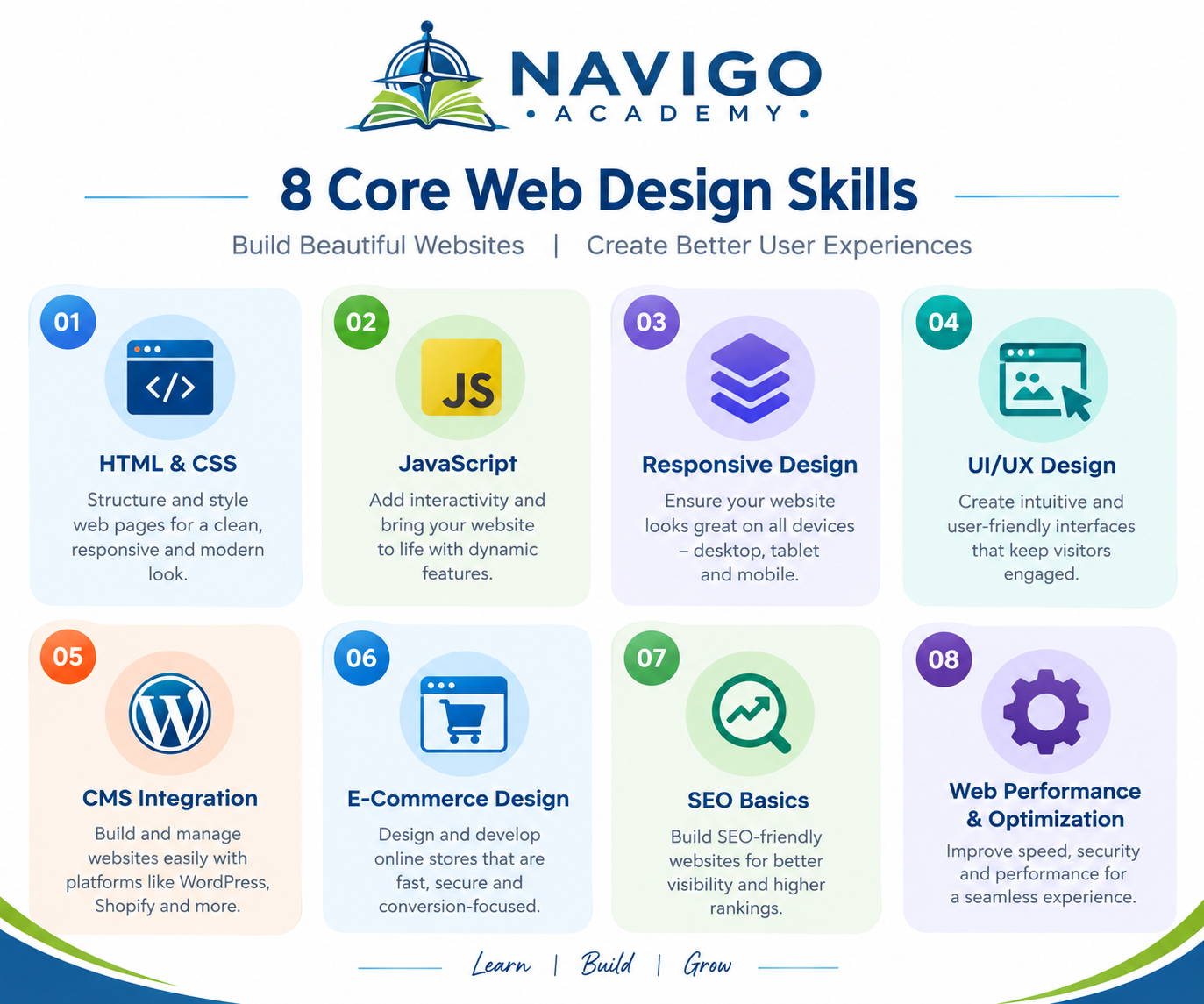
Core Skill #1: HTML and CSS Fundamentals
Every web designer, regardless of specialization, needs a solid grip on HTML and CSS. These are the building blocks of every website on the internet.
At a quality institute, you’ll learn:
- Semantic HTML structure for clean, accessible code
- CSS styling, including Flexbox and Grid layouts
- Responsive design principles for mobile and tablet screens
- Browser compatibility basics
This foundation matters because even if you later specialise in visual design tools, understanding code helps you communicate better with developers and troubleshoot layout issues independently.
Core Skill #2: UI/UX Design Principles
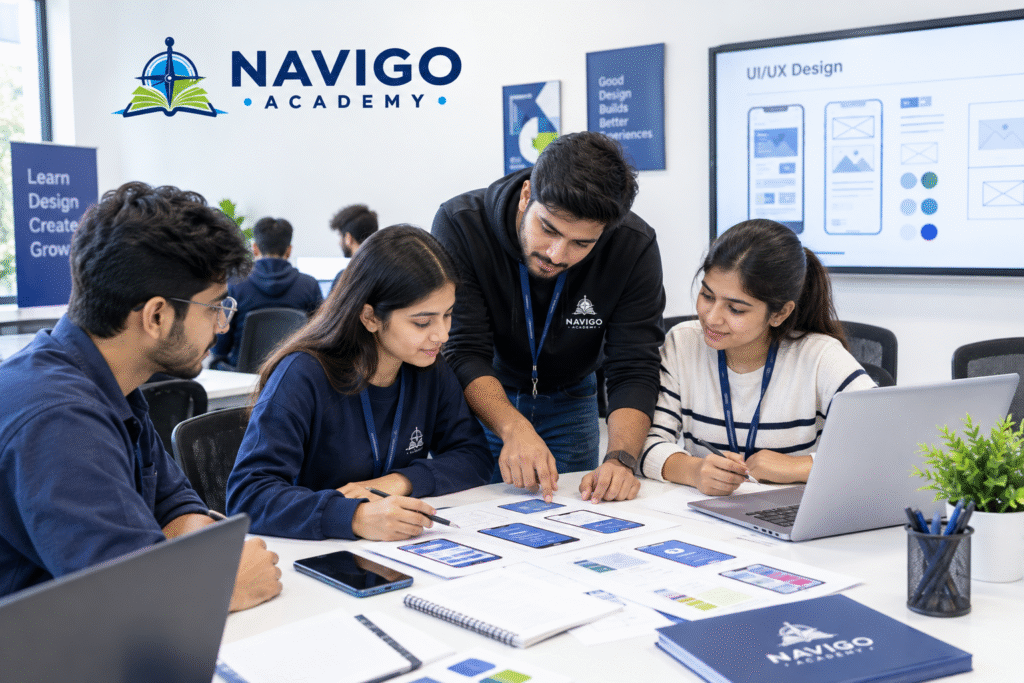
User Interface (UI) and User Experience (UX) design go beyond making a page look nice. They focus on how visitors interact with a website and whether that experience feels intuitive.
Skills covered typically include:
- Wireframing and prototyping (using tools like Figma or Adobe XD)
- Colour theory and typography for readability
- Navigation structure and information hierarchy
- Usability testing basics
A designer who understands UX principles is far more valuable to employers because they can justify design decisions with reasoning, not just personal taste.
Core Skill #3: Responsive and Mobile-First Design
With most web traffic now coming from mobile devices, responsive design isn’t optional anymore; it’s a baseline requirement. You’ll learn how to design layouts that adapt seamlessly across screen sizes without breaking functionality or visual appeal.
Key concepts include:
- Mobile-first design workflows
- Breakpoints and fluid grids
- Touch-friendly interface elements
- Testing across multiple devices and browsers
Core Skill #4: Graphic Design Software Proficiency
Visual design tools remain central to the profession. Most programmes teach:
- Adobe Photoshop for image editing and mockups
- Adobe Illustrator for vector graphics and logos
- Figma or Canva for quick collaborative design work
Even if your long-term goal is development-heavy work, comfort with these tools speeds up your workflow considerably.
Core Skill #5: Basic JavaScript for Interactivity
While not every web designer becomes a full developer, understanding basic JavaScript helps you add interactive elements like sliders, dropdown menus, and form validations without relying entirely on a developer for small tweaks.
A solid course will cover:
- DOM manipulation basics
- Simple event handling
- Introduction to popular libraries or frameworks
Core Skill #6: Website Performance and SEO Basics
A beautifully designed site is only useful if people can actually find it. That’s why many training programmes now bundle in fundamental SEO and site-speed optimization lessons alongside design skills.
Topics generally include:
- Image optimization for faster load times
- On-page SEO structure (headings, meta tags, alt text)
- Basic Core Web Vitals awareness
- Content layout for readability and engagement
This combination of design and SEO knowledge makes graduates far more employable, since businesses increasingly want designers who understand the bigger digital marketing picture.
Core Skill #7: Content Management Systems (CMS)
Most businesses today run their websites on a CMS rather than fully custom code. Learning to work within these platforms is a practical, job-ready skill.
Common CMS platforms taught include:
- WordPress (the most widely used globally)
- Wix and Squarespace for simpler builds
- Basic plugin and theme customization
Core Skill #8: Portfolio Building and Client Communication
Technical skills alone don’t land jobs or clients; presentation matters too. Good institutes guide students through:
- Building a professional design portfolio
- Presenting design concepts to clients or stakeholders
- Handling feedback and revision cycles
- Basic freelancing and project pricing guidance
Comparison: Skills Taught in Short-Term vs. Advanced Web Design Courses
| Skill Area | Short-Term Course (1-3 months) | Advanced Course (6+ months) |
|---|---|---|
| HTML/CSS | Basic coverage | In-depth, with frameworks |
| UI/UX Design | Introductory concepts | Full wireframing to prototype workflow |
| JavaScript | Rarely included | Covered with practical projects |
| SEO Basics | Minimal | Integrated throughout |
| Portfolio Support | Limited | Structured, guided building |
| Live Projects | Uncommon | Usually included |
How to Choose the Right Web Designing Institute
When evaluating options, look for these markers of a serious programme:
- Updated curriculum that reflects current design trends and tools
- Hands-on projects, not just video lectures or theory
- Experienced trainers with real industry background
- Placement support or portfolio-building assistance
- Reasonable batch sizes for personalized attention
If you’re specifically looking in Jaipur, it’s worth checking whether the institute doubles as the best IT training institute in Mansarovar, Jaipur, since that area has become something of a hub for IT and design education in the city, with several institutes clustered nearby for easy comparison.
One option worth researching in this space is Navigo Academy, which is based in the Mansarovar area and covers web design alongside broader IT training tracks.
Conclusion
Learning web design isn’t just about picking up a design tool; it’s about combining visual sense, technical know-how, and an understanding of how users actually behave online. Whether you’re aiming for a freelance career, an agency job, or an in-house design role, a good Web Designing Institute in Jaipur can equip you with the full skill set: HTML/CSS, UI/UX, responsive design, basic JavaScript, SEO fundamentals, and portfolio-building support.
Take the time to compare course structures, ask about live project exposure, and choose a programme that treats design as a practical, job-ready skill rather than just theory. Your next step? Shortlist two or three institutes, sit in on a demo class if possible, and start building your first project this month.
FAQs
1. Do I need coding knowledge before joining a web designing course?
No. Most beginner-friendly programmes start from scratch and build up your HTML/CSS knowledge gradually.
2. How long does it take to become job-ready in web design?
Typically 3-6 months for foundational skills, though advanced tracks with JavaScript and UX design can take longer.
3. Is web design a good career option in 2026?
Yes. With businesses continuing to expand their digital presence, demand for skilled designers remains strong, especially those who also understand UX and basic SEO.
4. What’s the difference between web design and web development?
Web design focuses on the visual layout, user experience, and aesthetics, while web development focuses on the coding and functionality behind the site.
5. Can I freelance after completing a web design course?
Yes, many graduates start freelancing soon after completing their portfolio, especially if the course includes client communication training.
6. Which software tools should I learn first?
Start with Figma for UI/UX work and Photoshop for graphic elements, alongside HTML/CSS basics.
7. Do web designers need to know SEO?
Not in-depth, but understanding SEO basics like page speed and heading structure makes you far more valuable to employers.